Streaming devices are becoming more restrictive every year. Apps disappear, sideloading gets blocked, and users lose control of the software they install.
But what if the best streaming box isn’t a TV box at all?
Today we’re looking at the Kamrui Hyper H2 Mini Gaming PC — a compact Windows 11 machine that can replace your streaming box, run Android apps, emulate retro consoles, and still function as a full desktop computer.
With a powerful Intel Core i5 processor, 32GB of RAM, and a blazing fast 1TB SSD, this tiny system promises serious performance in a living room-friendly package.
Mini PC vs Traditional Streaming Boxes
| Device | CPU Score (Approx) | RAM | Storage | Operating System | Flexibility |
|---|---|---|---|---|---|
| Typical Android TV Box | ~111 | 4GB | 32–64GB | Android TV | Limited App Store |
| Nvidia Shield Pro | ~280 | 3GB | 16GB | Android TV | Moderate |
| Kamrui Hyper H2 Mini PC | ~2200+ | 32GB | 1TB NVMe SSD | Windows 11 Pro | Unlimited Software Freedom |
Traditional Android TV boxes often rely on low-power ARM processors and limited storage, while mini PCs like the Kamrui Hyper H2 use full desktop processors capable of running complete operating systems and heavy multitasking workloads.
Let’s break down what this mini PC can really do.
Featured Device – Kamrui Hyper H2 Mini Gaming PC
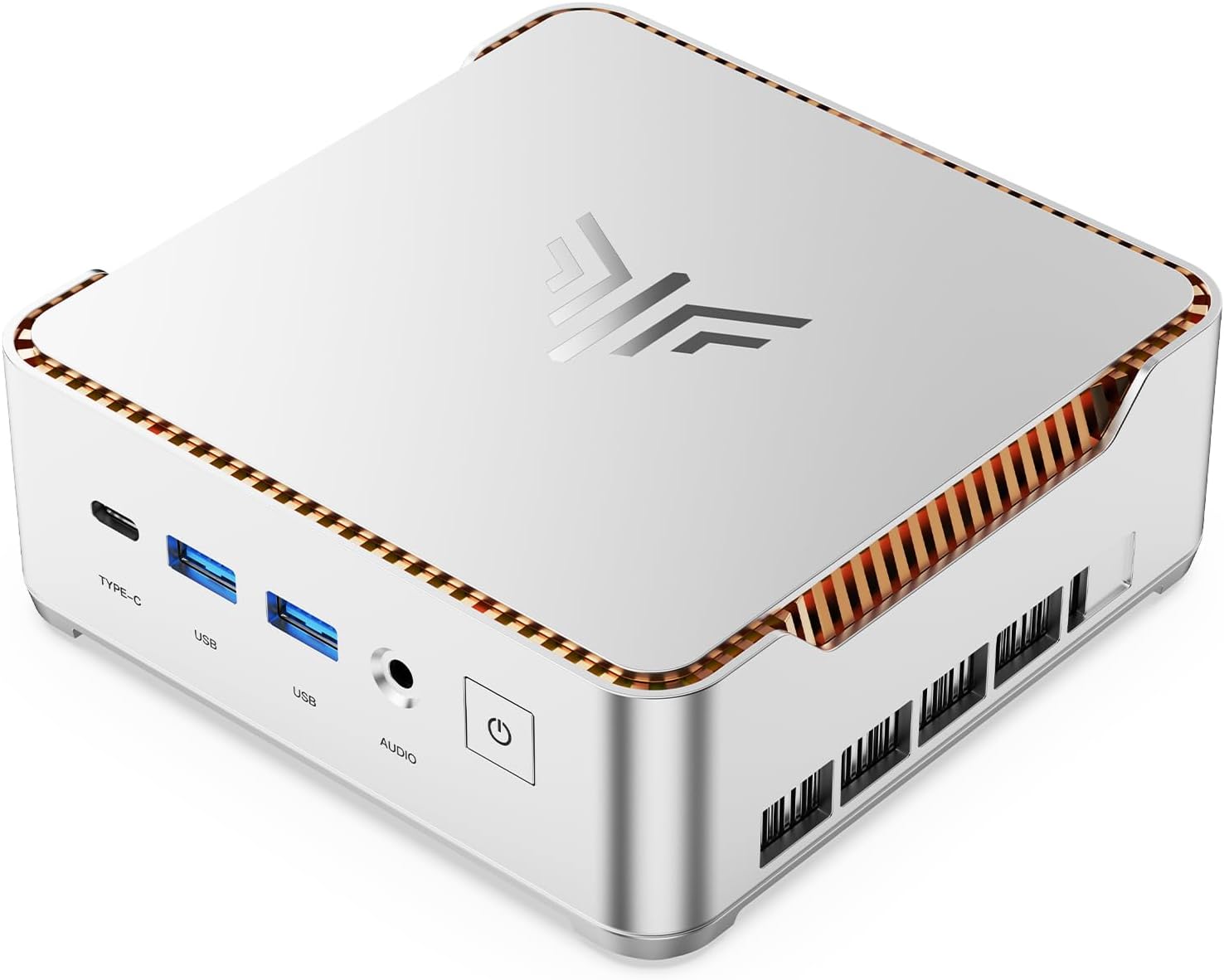
The Kamrui Hyper H2 is a compact Windows mini PC designed to deliver desktop-level performance in a device small enough to mount behind your TV.
- Intel Core i5-14450HX (10 cores / 16 threads)
- 32GB DDR4 RAM
- 1TB PCIe 4.0 NVMe SSD
- Wi-Fi 6 + Bluetooth 5.2
- Triple 4K display support
- Windows 11 Pro
🎥 Kamrui Hyper H2 Full Video Review
📦 Kamrui Hyper H2 Overview
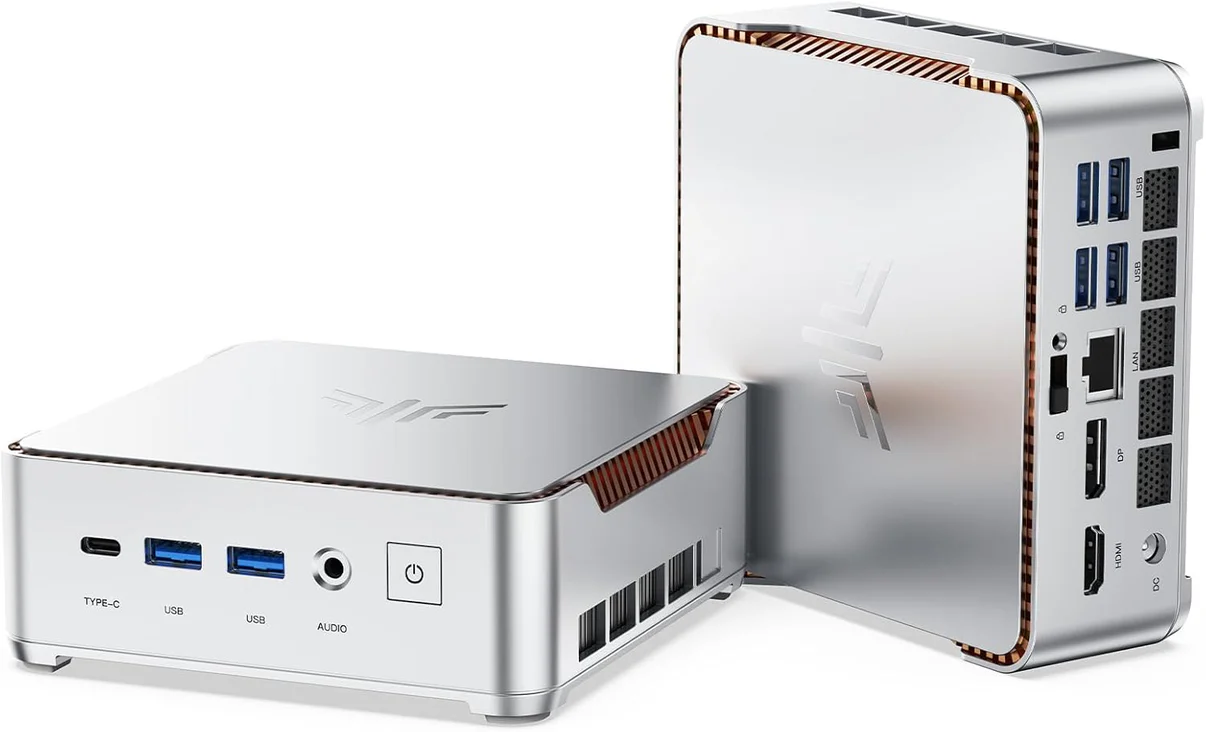
The Kamrui Hyper H2 is designed for people who want more flexibility than a typical streaming box. Instead of running a locked Android TV operating system, this device runs a full version of Windows 11 Pro.
That means you can install any software you want — including streaming apps, media servers, emulators, and Android environments.
Because it functions like a full desktop computer, it also removes many of the limitations found on traditional streaming devices.
Check Latest Price & Deals
🔧 Specs at a Glance
| Feature | Specification |
|---|---|
| Processor | Intel Core i5-14450HX (10 cores / 16 threads) |
| RAM | 32GB DDR4 |
| Storage | 1TB PCIe 4.0 SSD |
| Graphics | Intel Integrated Graphics |
| Operating System | Windows 11 Pro |
| Networking | Wi-Fi 6 + Bluetooth 5.2 |
| Ethernet | 1 Gigabit LAN |
| Display Outputs | HDMI 2.0 + DisplayPort 1.4 (Triple Display) |
| USB Ports | USB-C + Multiple USB 3.2 Gen2 |
📦 What’s in the Box
- Kamrui Hyper H2 Mini PC
- Power adapter
- HDMI cable
- Mounting bracket
- User documentation
The included mounting bracket allows you to install the mini PC behind your TV, effectively turning it into a hidden home theater PC.
🖥 Design & Connectivity
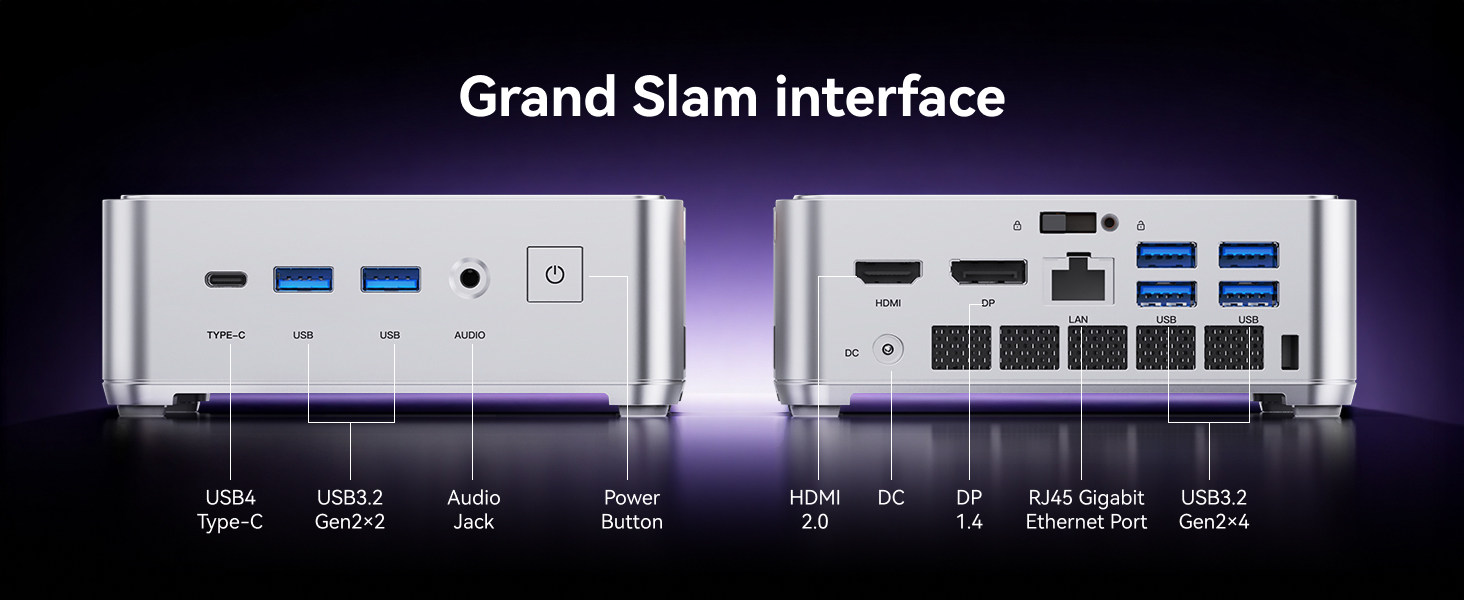
Physically, the Hyper H2 is incredibly compact — roughly the size of a small hardcover book. Despite the small footprint, Kamrui managed to pack in a surprisingly strong set of ports.
Front Ports
- USB-C (USB4)
- 2x USB 3.2 Gen 2
- Audio jack
- Power button
Rear Ports
- HDMI 2.0
- DisplayPort 1.4
- Gigabit Ethernet
- 4x USB 3.2 Gen 2
- DC power input
With support for triple display output, the Hyper H2 can power multiple monitors or a combination of TVs and displays.
⚡ Real-World Performance
Performance is where the Hyper H2 separates itself from most streaming devices.
Using Geekbench benchmarks, the mini PC scores dramatically higher than Android TV boxes.
| Device | Single Core | Multi Core |
|---|---|---|
| Typical Android TV Box | ~111 | ~356 |
| Nvidia Shield Pro | ~280 | ~700 |
| Kamrui Hyper H2 | ~2205 | 8500+ |
Those numbers place the Hyper H2 far beyond the performance level of traditional streaming hardware.
🚀 SSD Speed Test
The PCIe 4.0 SSD inside the Hyper H2 delivers extremely fast storage performance.
- Sequential Read: ~4,871 MB/s
- Sequential Write: ~3,332 MB/s
Fast storage translates into quicker app launches, faster Windows responsiveness, and smoother media playback.
📺 Streaming Performance
Because this mini PC runs Windows, you are not restricted to TV-optimized app stores.
You can install the full desktop versions of services like:
- Netflix
- YouTube
- Prime Video
- Disney+
- Hulu
- Plex
- Kodi
Local media playback also works extremely well using external drives, NAS storage, or media server applications.
🎮 Gaming & Emulation
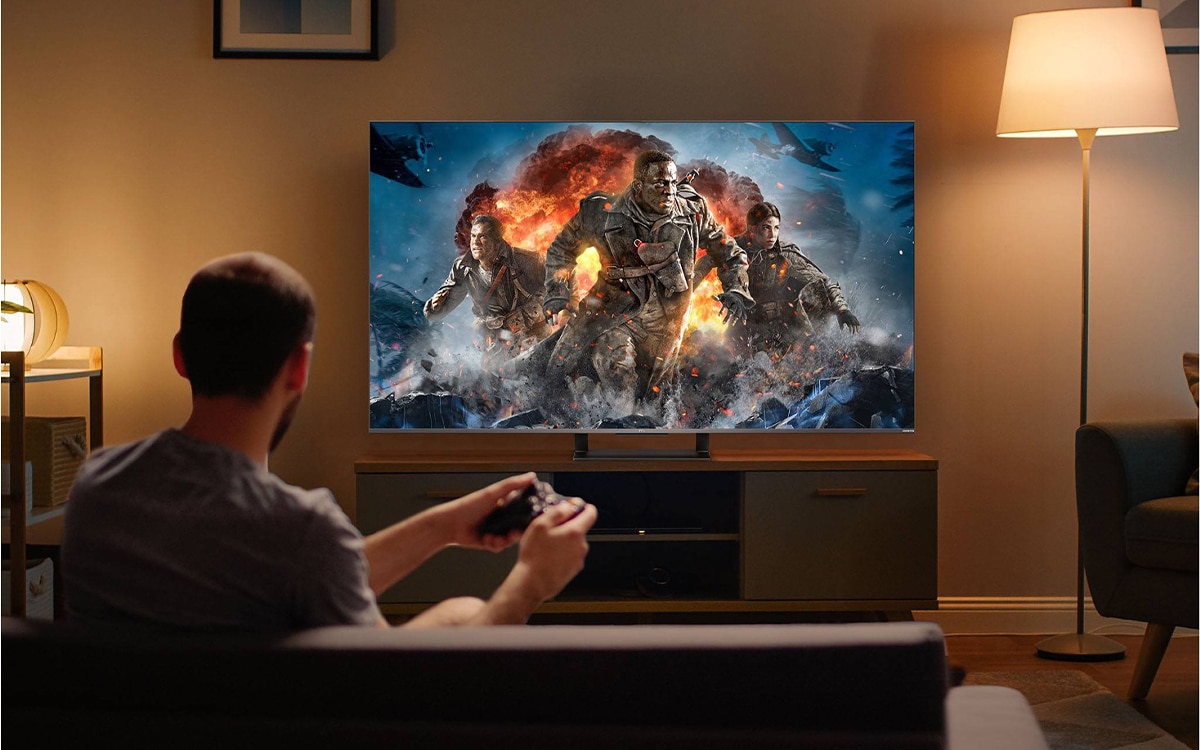
While the Hyper H2 is not designed as a high-end gaming PC, it handles several gaming scenarios surprisingly well.
Gaming Capabilities:
- Esports titles run smoothly
- Older PC games perform well
- Indie games run without issues
- Cloud gaming works great
- Retro emulation performs extremely well
Controller support works out of the box with Xbox and PlayStation controllers, making it easy to build a retro gaming hub.
📱 Running Android Apps
If you want to run Android apps, there are two easy options.
Option 1 – Android Emulator
- BlueStacks
- Nox Player
- LDPlayer
Simply install the emulator and drag APK files directly into it.
Option 2 – Windows Android Subsystem
More advanced users can run APK files through Windows Android subsystem environments, though compatibility may vary.
👍 Pros & 👎 Cons
Pros
- Extremely powerful compared to streaming boxes
- Full Windows 11 freedom
- Fast PCIe 4.0 storage
- Excellent retro emulation performance
- Expandable storage
- Great for media server setups
Cons
- Not designed for high-end AAA gaming
- Initial setup takes longer than plug-and-play streamers
👤 Who This Mini PC Is For
The Kamrui Hyper H2 is an excellent option if you want:
- A powerful streaming box replacement
- One device instead of multiple media boxes
- A retro gaming and emulator hub
- A small but capable Windows desktop PC
- Full control over your apps and software
Check Current Deals on Kamrui Hyper H2
🏁 Final Verdict
The Kamrui Hyper H2 Mini Gaming PC is one of the most versatile living room PCs currently available.
It combines strong CPU performance, massive RAM capacity, and extremely fast storage into a tiny device that can function as a streaming box replacement, media server, emulator hub, and full desktop computer.
If you’re tired of locked-down streaming platforms and want complete control over your media setup, the Hyper H2 is easily one of the most flexible solutions available today.
Related Searches
- Best mini PC for streaming TV
- Android TV box alternatives
- Mini PC media center setup
- HTPC streaming PC
- Mini PC for Kodi and Plex
- Best mini gaming PC for living room